If you care about privacy, you’ve probably heard of Gold WhatsApp. It promises more control, more customization, and a “premium” feel. But here’s the uncomfortable truth most blogs won’t tell you: Gold WhatsApp is a modified, third-party build of the official app, and it operates outside Meta’s security ecosystem.
That doesn’t automatically make it dangerous—but it does mean you need to understand exactly what protects your messages, what doesn’t, and how to configure your setup so your private conversations stay private.
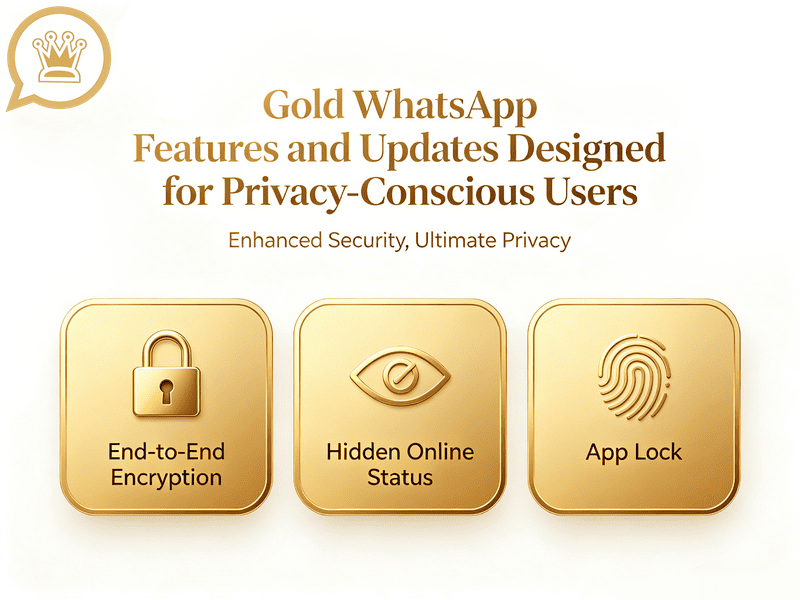
WhatsApp Features That Already Protect Your Privacy
Modern WhatsApp includes several privacy-focused features and settings. Some are designed to protect the contents of conversations, while others control what other people can see about your account.
End-to-End Encryption
One of the most important security features of WhatsApp is end-to-end encryption. When a personal WhatsApp message is protected by end-to-end encryption, the content is designed to be readable only by the intended participants in the conversation. This protection applies to personal messages and calls.
End-to-end encryption is fundamentally different from simply hiding your online status.
Online status privacy
Controls whether another person can see certain activity information.
End-to-end encryption
Protects the content of the communication while it is being transmitted.
These solve different problems.
What Does End-to-End Encryption WhatsApp Actually Protect
WhatsApp’s end-to-end encryption (E2EE) is built on the Signal Protocol, an open-source cryptographic framework widely regarded as the gold standard for secure messaging. When you send a message, your device encrypts it before it leaves. The WhatsApp server acts merely as a courier—it stores and forwards ciphertext but cannot read the content. Only the recipient’s device holds the key to decrypt and display your words.
The technical mechanics are worth understanding:
- Identity Key Pair: A long-term Curve25519 key pair generated at install time
- Signed Pre Key: A medium-term key, rotated periodically
- One-Time Pre Keys: A queue of keys used once and replenished as needed
- Session Keys: Root keys, chain keys, and message keys that evolve continuously using a double-ratchet algorithm
This system ensures your messages stay private. Even if a hacker gets hold of your device’s current security keys, they won’t be able to read any messages you sent in the past. Also, if one of your linked devices is hacked, your other devices remain protected, so the hacker can’t see the messages sent to them.
Here’s what E2EE on WhatsApp protects by default:
- Text messages, images, videos, voice messages, documents, and status updates
- One-on-one voice and video calls
- Group chats
- Live location sharing
Blind spot: cloud backups. If you back up to Google Drive or iCloud without enabling end-to-end encrypted backups, those backups sit on Google’s or Apple’s servers unencrypted. Law enforcement obtains WhatsApp messages through backup subpoenas—not from WhatsApp itself, but from Google and Apple. To close this gap: Settings > Chats > Chat Backup > End-to-End Encrypted Backup > turn it on.
Gold WhatsApp Privacy Settings You Should Review
Gold WhatsApp’s privacy features are far more robust than the official WhatsApp, and you can actually feel that your privacy is being protected.
Ghost Mode
Ghost Mode is one of the features most frequently associated with WhatsApp mods.
The basic idea is simple: You can remain active while limiting the signals that tell other people you are active. For example, you may be able to read messages without showing blue ticks, hide your online status, and hide typing indicators.
To learn how to enable Ghost Mode, please see this guide: “How to Enable Ghost Mode on WhatsApp Gold“.
Per-Chat Privacy Is More Practical
One interesting direction in modified WhatsApp builds is more granular privacy control.
Instead of treating every conversation identically, Gold WA allows different privacy behaviors for different contacts or chats. This can be more practical than turning everything off.
Hiding Typing and Recording Indicators
Gold WhatsApp enables hiding of typing and recording indicators. For privacy-conscious users, this is useful because it gives you more room to think before responding.
However, it is not encryption again. It is an activity-visibility feature.
Notification Privacy
Even if your WhatsApp conversation is encrypted, another person standing nearby can read notifications. This is not an encryption problem. It is a notification privacy problem.
That is why privacy-conscious users should think about what appears outside the WhatsApp application. Gold WhatsApp APP versions advertise additional notification controls, and one 2026 build update promoted changes to notification behavior. But the most reliable solution is still to review your phone’s own notification settings.
For highly private conversations, hiding message content from lock-screen notifications may be more useful than another exotic privacy toggle inside a mod.
Gold WhatsApp New Features: A Privacy-Conscious Configuration
Besides learning about the privacy settings in both regular and Gold WhatsApp, you should also use them to keep your information safe.
Step 1: Lock Down Your Privacy Settings
Navigate to Settings > Privacy and configure: Last Seen & Online, My Contacts, Profile Photo, About, Status, Groups, Read Receipts, Live Location.
Note: If you don’t share your last seen or online status, you can’t see other users’ either. The specific settings depend on your needs.
Step 2: Enable Advanced Protections
- Two-step verification: Settings > Account > Two-step verification. Set a 6-digit PIN. This prevents SIM-swap attacks and unauthorized account transfers
- End-to-end encrypted backups: Settings > Chats > Chat Backup > End-to-End Encrypted Backup
- Disappearing messages: Set a default timer for new chats
- App lock: Use Touch ID, Face ID, or fingerprint to lock WhatsApp itself
- Silence unknown callers: Reduces exposure to spam and potential exploit attempts
- Block high volumes of unknown messages: Settings > Privacy > Advanced > toggle on
Step 3: Activate Strict Account Settings
Settings > Privacy > Advanced > Strict Account Settings. This bundles the most aggressive protections and locks them in place.
Step 4: Verify Security Codes for Sensitive Contacts
Open a one-on-one chat > Contact info > Verify Security Code. Compare the 60-digit number or scan the QR code with your contact in person or through a separate trusted channel. Do this periodically, especially with high-value contacts.
Step 5: Audit Linked Devices Regularly
With the 2026 device management upgrades, you can see all linked devices with timestamps. Settings > Linked Devices. Remove anything unfamiliar immediately. If you’re using Gold WhatsApp on a secondary device, ensure it’s the only secondary device—every additional linked client expands your attack surface.
My View
I think Gold WhatsApp is most interesting when you look at it as a control-focused messaging experience, not as a guaranteed security upgrade.
These features solve real everyday problems. Nobody wants to feel obligated to answer a message simply because someone can see that they are online.
At the same time, I would not personally treat a Gold WhatsApp privacy feature as proof that the application is more secure than official WhatsApp.
Official WhatsApp has a mature security model built around end-to-end encryption. At the same time, Gold WhatsApp adds third-party modifications that may give you more visible control but also introduce additional trust and distribution risks.
For casual users who enjoy customization and understand the risks, the additional controls can be appealing.
For someone whose top priority is security and reliability, I would put official WhatsApp first.